Cargo has always been the heart of Ritzy One. In the days since our November update, Liner, Marine Agency, Shipchandling and Inland Transport have caught up with it. Each one now takes a job from the first enquiry to the customer’s invoice, and sends its buying costs to job control, so the profit on every job is there to see. Updates reach every subscription as they ship, for the modules you run. The screens below use made-up sample data.
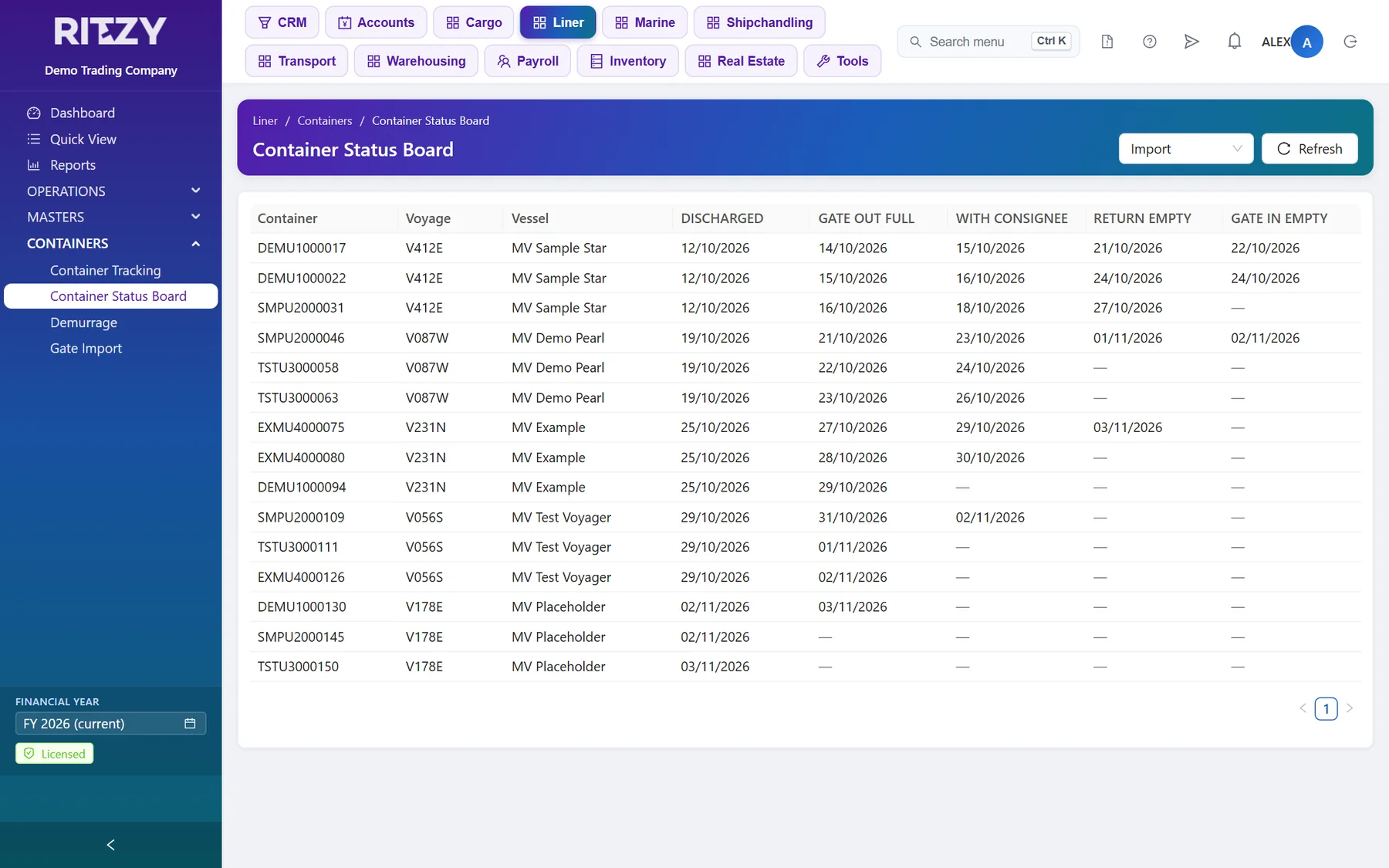
Liner: From Manifest to Invoice
- Import the manifest. Load a job’s bills of lading and containers straight from the manifest spreadsheet. As each B/L comes in, its charges are filled from its container types.
- One B/L Details form. Every B/L field in one place. Double-click a B/L on the job to open it.
- Charges from the container type. Set the selling and buying charges once on the container type. Each B/L builds its charges from them, and the buying cost goes to job control.
- Billing per B/L. Raise each B/L’s invoices and cash memos from its charges, and find them again in Liner’s own Sales menu.
- Delivery orders. Import B/Ls get a DO number, and the delivery order prints from the B/L.
- Safe edits. Invoiced and cost-allocated charges and containers are locked, an invoiced B/L can’t be deleted, and jobs can be closed and reopened.
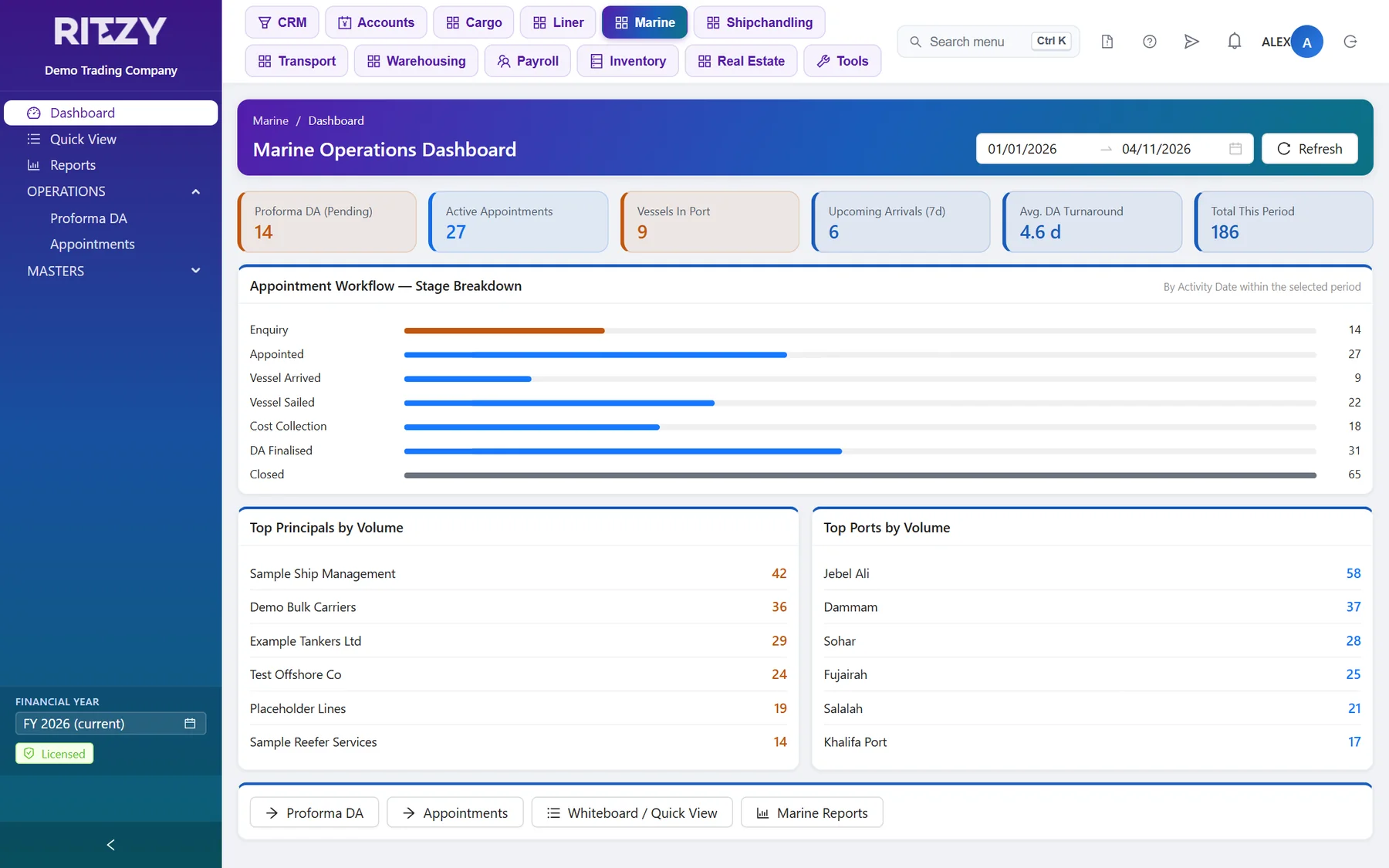
Marine Agency: Appointments That Bill Themselves
- Proforma DA to appointment. An appointment gets its job number and loads its charges for you. Prior and Next arrows walk the port-call flow a step at a time.
- Billing tab. Cost, final amount and tax on every line, with the totals, invoice and costs on the job itself.
- The principal’s invoice is raised from the close estimate, and its cost goes to job control.
- Five DA prints: port cost estimate, close estimate, voyage DA, final DA and invoice.
Shipchandling: Buy and Sell From One Supply Order
- IMPA codes on the provisions catalogue, so you can find an item by the code the ship uses.
- Supplier RFQs. Send an RFQ from the supply order, compare the suppliers’ prices side by side, then turn the best offer into a purchase order and a purchase.
- Short supply. Record what couldn’t be delivered and bill only what reached the vessel.
- Buying costs go to job control, and the supply posts straight to the invoice.
- Quotation, delivery note and PO prints, plus sales-analysis reports.
Inland Transport: Trips Run From the Driver’s Phone
- Trips tracked by stage, with stops along the way.
- The Ritzy Delivery app now runs land transport trips. The driver sees the trip, moves it through each stage and records proof of delivery.
- From a cargo job. Fill a truck or rail job from a cargo job, or create one from it, so nothing is typed twice.
- Reports: open trips, delivery performance, sales analysis and not invoiced, by truck or rail.
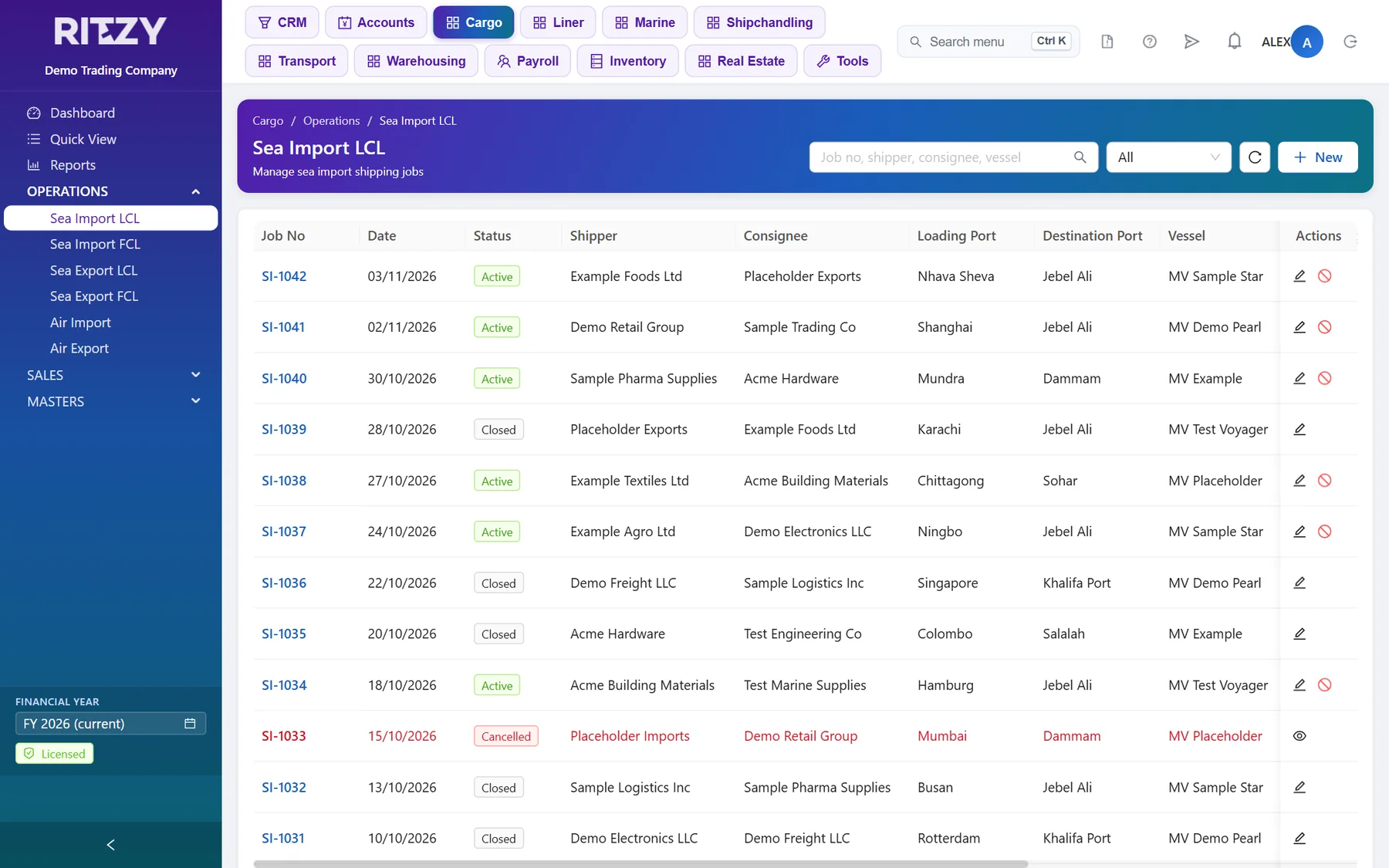
Cargo
- Automatic house BL and AWB numbers from a prefix, suffix and counter.
- Each charge billed once. A charge is invoiced once and cost-allocated once, and billed charges are locked. Load from Job fills an invoice or cash memo from the job’s charges.
- Close and reopen jobs. A closed job is read-only, and a cancelled job can’t be invoiced.
- A customer from a consignee. Turn a consignee or shipper into a customer in one step.
- The dashboard shows total job value in your base currency.
Warehousing
- Stock never goes negative. A release that would take more than is in store is refused.
- Free days counted once, and a billing run that overlaps an earlier one is refused.
Accounts
- Job control for every line. Cost allocation sits under Accounts → Transactions and the job control report under Accounts → Reports, with drill-down and search, whenever a shipping module is licensed.
- Every voucher knows where it came from. A voucher posted by Cargo, Liner, Marine, Shipchandling, Transport, Warehousing, Inventory or Real Estate is locked in Accounts. You change it in the module that posted it, so the job and the ledger always agree.
- Debit and credit are shown on every voucher line, and foreign-currency transactions show their base-currency total.
See Ritzy One With Your Own Data
A free trial on your own private site — no credit card, no obligation. Or ask us for a quotation.
Start a free trial Get a quotation