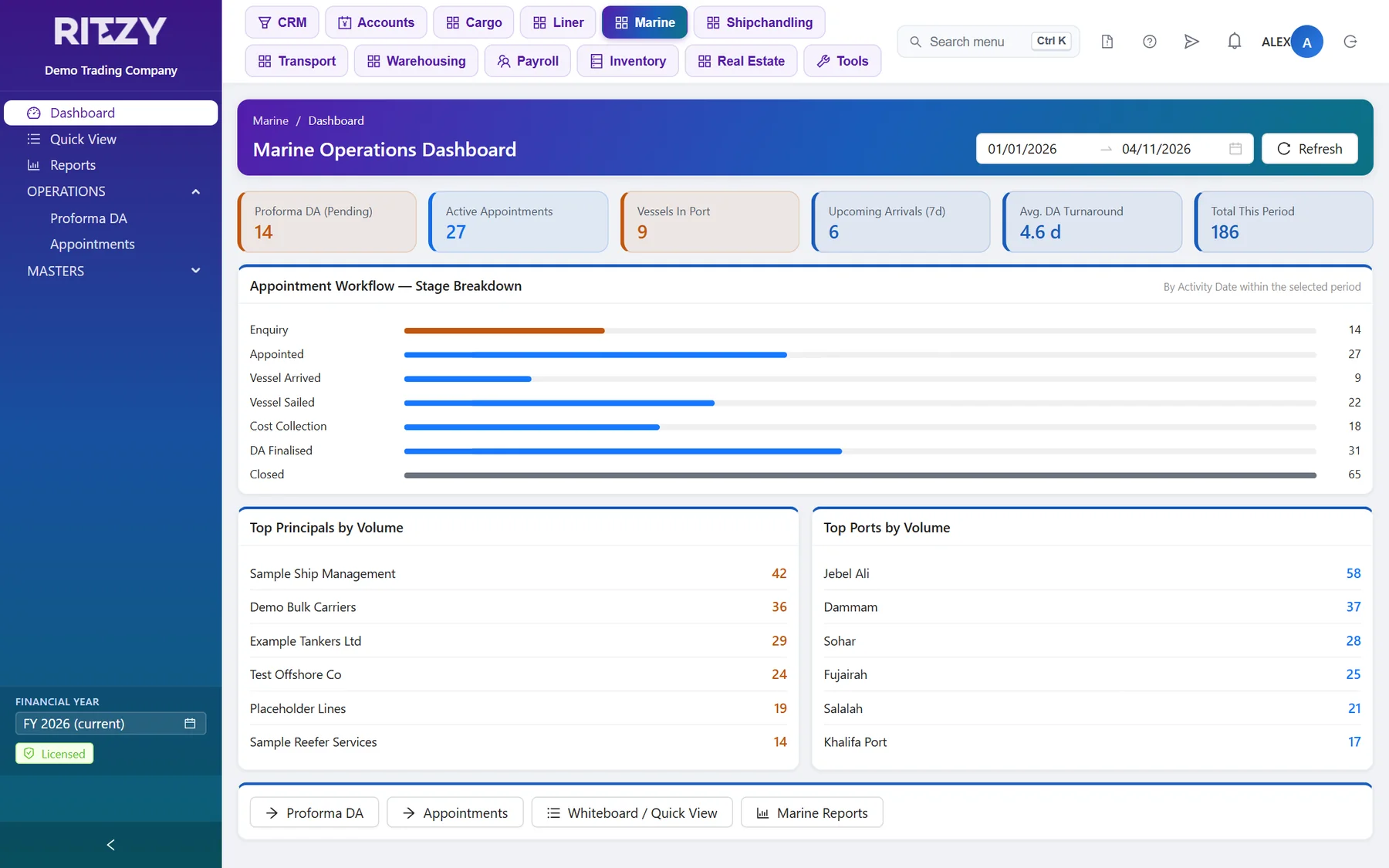
You no longer need Cargo to run a shipping module. Until now Liner, Marine Agency, Warehousing, Inland Transport and Shipchandling all came with Cargo, because they worked from the cargo job. This week each of them became a module in its own right. A liner agent, a port agent, a 3PL warehouse, a haulier or a ship chandler can now take Accounts and its own line, and nothing else. Updates reach every subscription as they ship, for the modules you run.
Each Module Has Its Own Settings
- Its own job numbering. Liner, Marine Agency, Inland Transport and Shipchandling each have a Settings screen under Tools > Preferences, where you set up their job series. Cargo’s Job Numbering keeps only Cargo’s own series.
- Its own masters. Liner has its own ports, commodities and packages. Inland Transport and Warehousing have their own consignees and shippers, units and commodities.
- Its own posting accounts. Each module’s Settings holds the cost posting switch and the cost of sales and accrued expense accounts. Warehouse Settings holds the storage income account. An account set on a charge always wins. The settings account is used when the charge has none.
- The right income account to start with. Raise Invoice in Shipchandling and Inland Transport, and Warehouse Storage Billing, open on the income account from the module’s Settings.
- Cargo when you have it. If you run Cargo too, you can still fill a truck job or a warehouse receipt from a cargo job. Without Cargo, those options are hidden.
- Milestones in every module. Milestone and Milestone Template now sit under Others in Cargo, Liner, Inland Transport and Marine Agency. When you open them, the menu stays on the module you came from.
Shipchandling: A Simpler Supply Order
- Buy and sell on one grid. Each provision line shows its buy price and sell price side by side. A sell-price calculator above the grid sets the margin for you.
- A supplier on every item. Set a supplier for the whole order, or a different one for each item. Each line carries its own buy tax, through to the supplier’s bill.
- Import a supplier’s enquiry straight into the order, from inside the form.
- Purchasing from the order. Post the purchase from the supply order. Before you post to invoice, Ritzy One asks whether you want to post the purchase first. Additional charges sit on one simple grid.
- Locked once it moves on. Once a purchase is posted or the order is invoiced, its items and charges are locked. Cancel Purchase and Cancel Invoice cancel the voucher. They never delete it.
Cancelled, Never Deleted
No voucher in Accounts is ever deleted now. Every reversal cancels the voucher. It stays on record and shows in red, so the numbering and the audit trail stay whole. That covers un-posting consignment costing and the exchange difference journals that Ritzy One writes for you. Payroll journals are cancelled from Payroll, not from Accounts, so the two can’t drift apart. The Transaction Log has also been redesigned, so it is easier to see who changed what.
Payroll: Timesheets
- The Timesheet add-on comes across from Ritzy 8. Enter daily hours by department, with up to four job, site or location slots. Post Timesheet then takes overtime and leave deductions into Additions and Deductions. Timesheet reports come with it, and the employee master gets a Timesheet tab.
- Bring your Ritzy 8 timesheets with you. They come in with the company import, or on their own.
- Leave deductions follow the current pay. They are worked out again every time you generate the payroll.
Holiday Homes
A payment taken before check-out is now allocated to the stay’s invoice. The guest’s balance is right as soon as they leave.
For Your IT Team
- A web address for each company. Each company can have its own address or subdomain. Someone signing in there sees only that company. Our subdomains guide shows how to set it up, including with Cloudflare.
- The phone apps share the main address. Each app now lives under its own path, such as /track/ or /crm/, so you no longer need a separate port for each app.
The user manuals for every module have been updated to match. Open them from the Help button on any screen, or at ritzy.net.au/docs/web.
See Ritzy One With Your Own Data
A free trial on your own private site — no credit card, no obligation. Or ask us for a quotation.
Start a free trial Get a quotation